- D3 for the Impatient
- Philipp K. Janert

- What is D3?
- (And why is it so difficult?)
- D3 is a JavaScript library...
- ... for manipulating the DOM tree
- ... in order to represent information visually.
- The DOM tree...
- ... is a dynamic data structure
- ... that browsers maintain
- ... containing page elements.
<html>
    <body>
          <p>...</p>

          <p>
              <em>...</em>
          </p>

          <p>...</p>
    </body>
</html>
- HTML file: static.
- DOM tree: dynamic.
- Built on the HTML5 Stack:
- a heterogeneous environment.




- The Good News:
- Only little of each is required.
One exception:

- SVG is an XML dialect...
- ... for vector graphics
- ... as DOM elements.
<svg>
  <rect x="200" y="50" width="400" height="100"
	fill="none" stroke="red">
  </rect>
</svg>
<svg>
  <path d="..." />
</svg>
Turtle graphics command language for arbitrary shapes:
- Remember D3?
- (This talk is about D3!)
D3 Selections
- Selections...
- ... are the primary organizing concept in D3.
- Selections are...
- ... a D3 data type
- ... that provides a handle on the DOM tree
- ... realized as a collection of DOM nodes.
d3.select( "svg" )
First <svg> in document.
d3.selectAll( "circle" )
All <circle> elements
in document.
d3.select("svg").selectAll("circle")
All <circle> elements
in first <svg> in document.
- CSS:
d3.select("svg:first circle")- D3:
d3.select("svg").selectAll("circle")
d3.select( "svg" )
  .select( "circle" )
  .attr( "fill", "red" );
d3.select( "svg" )
  .selectAll( "circle" )
  .attr( "fill", "red" );
ds = [ "red", "yellow", "green" ];

d3.select( "svg" )
  .selectAll( "circle" )
  .data( ds )
  .attr( "fill",
         function(d) { return d } );
ds = [ [ 125, "red" ],
       [ 175, "yellow" ],
       [ 225, "green" ] ];

d3.select( "svg" )
  .selectAll( "circle" )
  .data( ds )
  .attr( "cx", d=>d[0] )
  .attr( "fill", d=>d[1] );
ds = [ [ 100, "red" ],
       [ 200, "yellow" ],
       [ 300, "green" ] ];

d3.select( "svg" )
  .selectAll( "circle" )
  .data( ds )
  .enter()
  .append( "circle" )
  .attr( "r", 20 )
  .attr( "cx", 175 )
  .attr( "cy", d=>d[0] )
  .attr( "fill", d=>d[1] );
The General D3 Pattern
d3.select( "#id" )
  .selectAll( "circle" )
  .data( dataset )
  .enter()
  .append( "circle" )
  .attr( ..., ... )
  .attr( ..., ... )
- That's it!
- If you understand Selections, you understand D3.
More D3
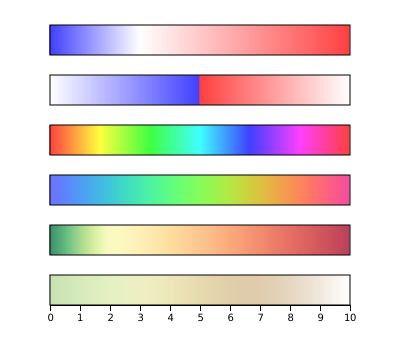
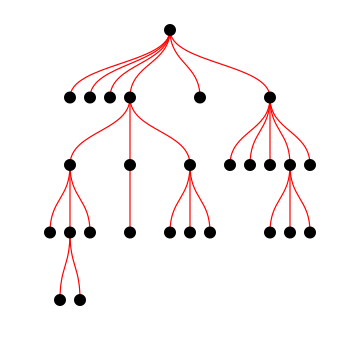
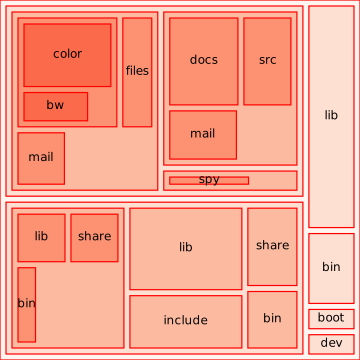
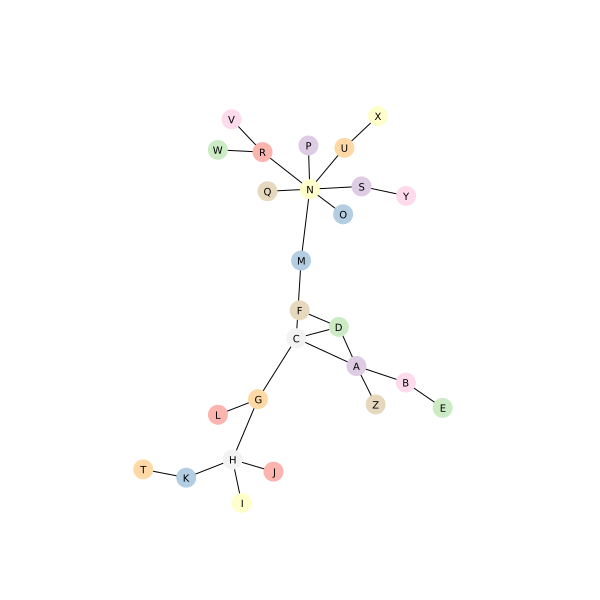
- Many general utilities available
- Containers, Formatters, Custom Events, Timers, ...
- D3 is a one-stop toolbox.
- Usually no need for additional libraries.
Events and Interactivity
- Interactive graphs...
- ... respond to user events.

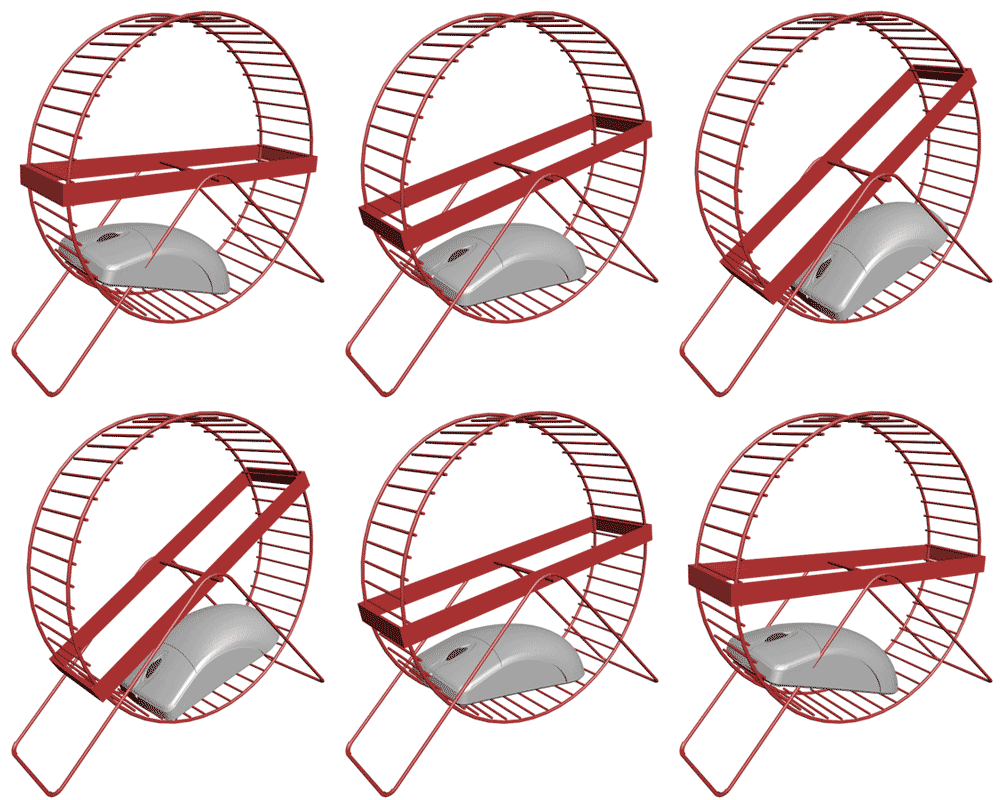
- Create a Selection ...
- ... and register an Event Handler on its elements.
- Done!
d3.select( "svg" )
  .selectAll( "circle" )

  .on( "mouseenter",
       function() {
       d3.select(this)
         .attr( "fill", "red" ) } )

  .on( "mouseleave",
       function() {
       d3.select(this)
         .attr( "fill", "blue" ) } )
d3.select( "svg" )
  .selectAll( "circle" )

  .on( "mouseenter",
       function() {
         d3.select( "text" )
           .text(
             d3.select(this)
               .attr( "fill" ) ) } )

  .on( "mouseleave",
       function() {
         d3.select( "text" )
           .text( "none" ) } )
function onmove() {
    var pt = d3.mouse( svg );

    center.each( function(d, i) {
        data[i][3] = Math.hypot( pt[0]-data[i][0],
                                 pt[1]-data[i][1] ); } );

    left.attr(   "fill", (d,i) => scL( data[i][3] ) );
    center.attr( "fill", (d,i) => scC( data[i][3] ) );
    right.attr(  "fill", (d,i) => scR( data[i][3] ) );
} )
var scC = d3.scaleLinear().domain( [0,50] )
	                  .range( ["red", "blue"] );
- Interactive data exploration:
- ... it's an Enabling Technology
- If interactive graphics was trivial...
- ... what could we do with it?
I don't think we know yet!
What is D3?
- A library for manipulating the DOM tree...
- ... through Selections
- A GUI widget set for data exploration...
- ... through DOM events
- A framework for creating graphics...
- Colors, Color Spaces, Shapes, Trees, Networks, Layouts, Scales, ...
What is D3?
- It's easy.
- It's useful.
- It's fun!